Setting Up Your Home Office: The Essential Guide to Your Fitted Home Office

Setting Up Your Home Office: The Essential Guide to Your Fitted Home Office
Short Summary
- Employers are required to assess home workstations under DSE guidance (Health and Safety Executive), so your home office should meet basic health and safety standards.
- Ergonomics is about matching your workspace to your body to prevent strain, improve comfort and support long-term health. It is particularly important for reducing the risk of musculoskeletal issues, which already affect nearly 1 in 5 adults in the UK.
- A proper desk, chair, and internet connection form the foundation of a functional work-from-home setup.
- Creating physical separation between work and home helps reduce distractions and reinforces boundaries between work and personal time.
- Small adjustments, such as organising cables, using desk organisers, and keeping sockets within reach, remove everyday friction and improve comfort.
- Tools such as dual monitors, notebooks, kitchen timers, and docking stations make workflows more efficient and reduce unnecessary interruptions.
Introduction
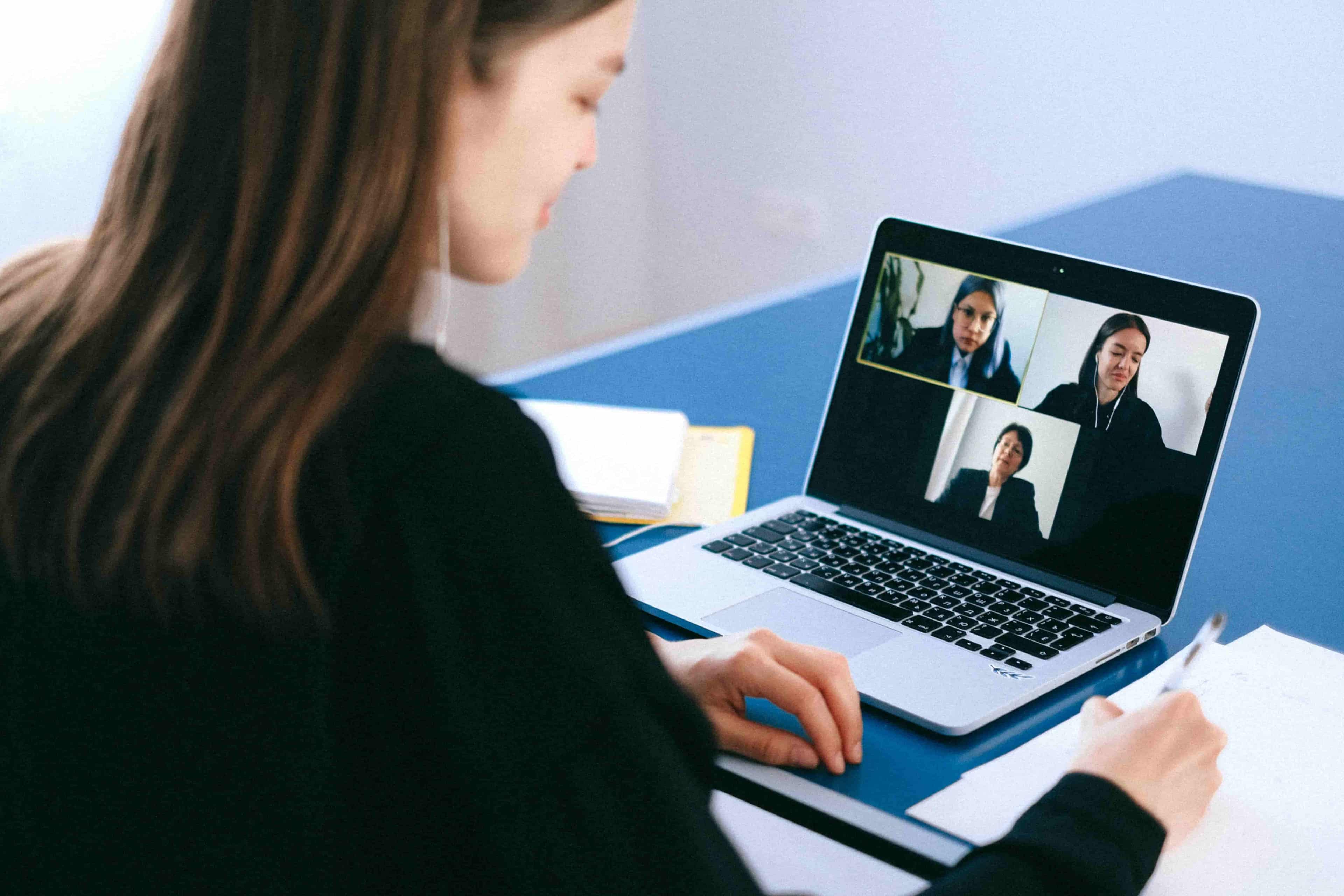
Under UK Health and Safety Regulations, employers are required to assess home workstations and identify risks associated with display screen equipment (DSE). If you work from home or follow a hybrid arrangement, that means your workstation should meet certain standards designed to support your health and wellbeing.
But instead of treating it merely as a box-ticking exercise for legal compliance, it is far more beneficial to use it as an opportunity to improve your home working environment so it better supports your health, comfort and productivity. In this way, work becomes more enjoyable and you are better able to perform consistently day after day.
This guide will walk you through everything you need to create a fitted home office, including ergonomic workstation setup, hacks to level up your home office's comfort and wfh tools to increase productivity.
The Basics Needed: Desk, Chair, Internet speed Requirements
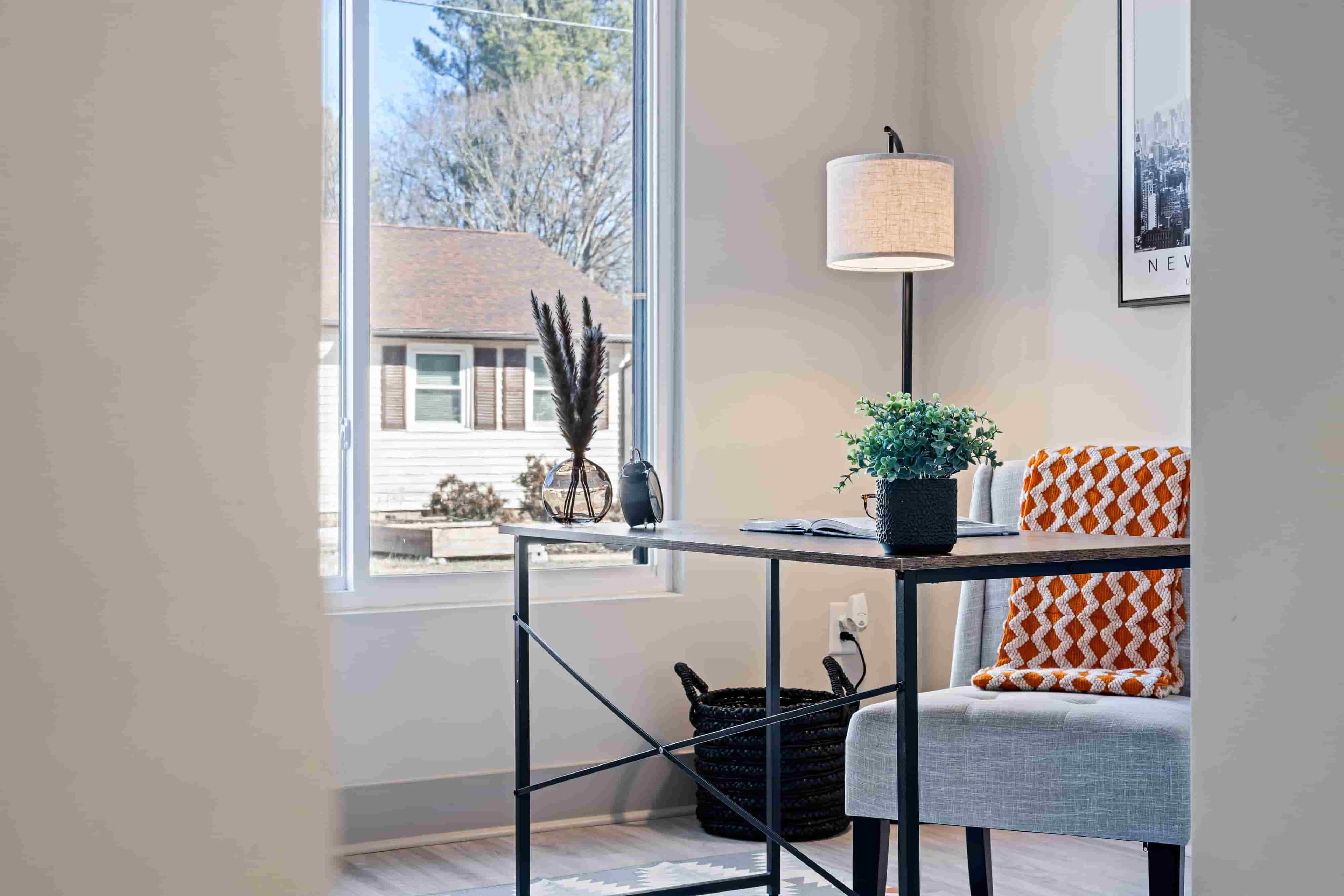
Before you start thinking about dual monitors, productivity tools or office décor, get the fundamentals of a work-from-home setup right first.
Desk
Your desk is where you spend most of your working hours, so it is only right that you treat it as more than just another piece of furniture.
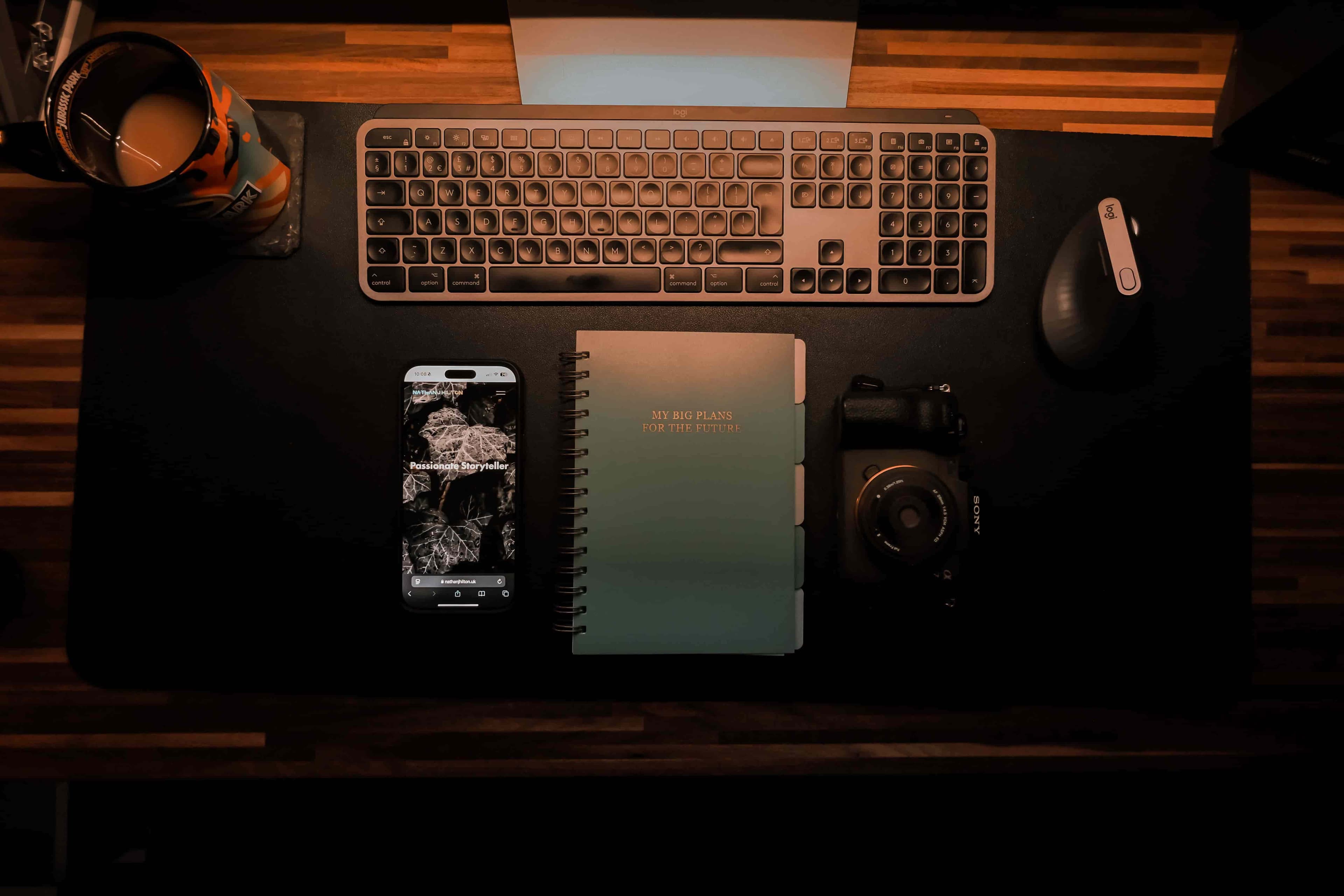
Firstly, your desk should have ample space for the essentials. In most cases, a monitor or laptop, keyboard, mouse and an area for note-taking are enough. However, make sure to consider any additional tools or equipment required for you to do your job effectively.
You can certainly make room for a small plant, photo frame or even a stress ball for a personal touch. Anything else that's no help, put it on the shelf.
Second, your desk should be the right height. We will get into ergonomics shortly, but to put simply, you should not have to hunch your shoulders, crane your neck or slouch forward just to work comfortably.
Lastly, your desk should provide a stable and dedicated place to work. In this way, everything stays where it belongs. You can go straight to work instead of wasting valuable hours moving your setup between the dining table, sofa or the high bar.
Chair
Just because you can easily pull up a spare dining chair or even sit on a bean bag does not mean it is a good chair for your home office. A good office chair should meet these requirements at the very minimum:
- Comfortable over long periods: You should be able to focus on work without constantly shifting position or fidgeting in search of comfort.
- Stable and durable: A chair that wobbles, squeaks or tilts is not only distracting, it can also encourage poor posture and place unnecessary strain on your back, neck and shoulders over time.
- Promotes ease of movement: Features such as a swivel base and castor wheels make it easier to reach nearby shelves, drawers, filing cabinets, printers and other parts of your workstation without having to stand up every time.
High Speed Internet
A high internet speed is arguably the most important work-from-home requirement. Without it, you would not be able to access certain software, share files or attend virtual meetings with team members.
As for how much internet speed you need, it is best to start with your employer's requirements. Basic web-based work usually requires only around 20 Mbps. However, if your role involves frequent video calls, large file transfers or other bandwidth-intensive tasks, I recommend opting for a faster connection.
If you are sharing internet connection with family members or housemates, make sure to account for their usage as well. Online activities like streaming, gaming, and video calls all consume bandwidth, so you may need more internet capacity to maintain a stable connection.
Ergonomics: Protecting Your Health Long-Term
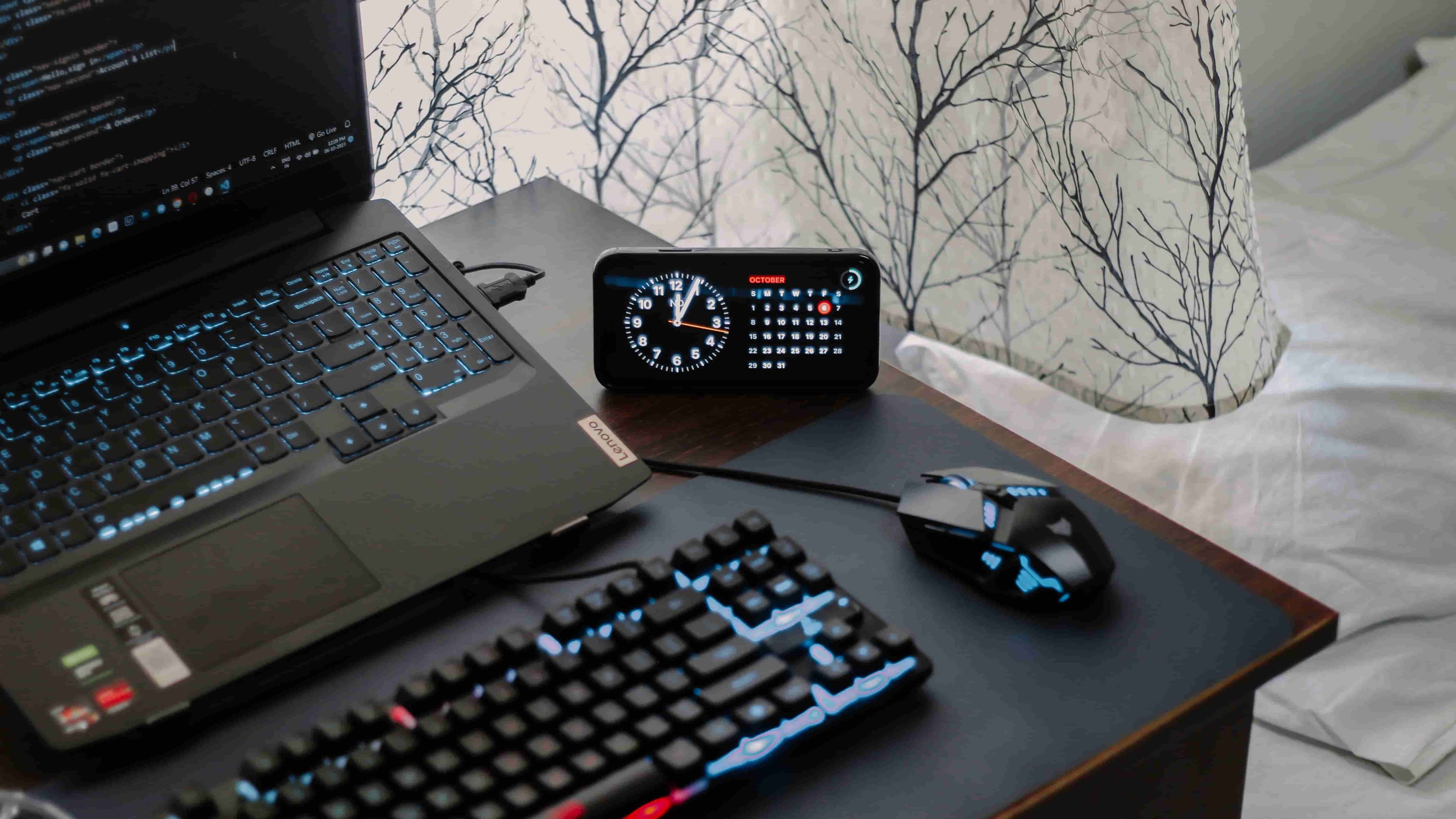
The Health and Safety Executive (2013) defines ergonomics as the science concerned with matching work environments, tasks, and equipment to the people using them. Put simply, it is about designing your workspace to suit your body rather than forcing your body to adapt to an uncomfortable and potentially harmful work environment.
One may not think too much of a monitor that is too low, a chair that is too high or a keyboard that is too far away. Yet when repeated for 40 hours a week and beyond, what seems like a trivial inconvenience can gradually develop into more serious musculoskeletal problems.
Given that nearly 1 in 5 adults in the UK already live with a long-term musculoskeletal condition (Office for Health Improvement and Disparities, 2025), it is a reminder that proper workstation setup can have long-term implications for your physical health.
The Health and Safety Executive (HSE) provides a comprehensive Display Screen Equipment (DSE) workstation checklist for assessing desk-based workstations. To simplify things, I have adapted the key principles into the quick checklist below so you can evaluate your own home office setup in just a few minutes.
Workspace Element | Quick Checklist |
|---|---|
| Chair | Lower back is supported by the backrest. Feet rest flat on the floor (or on a footrest). Seat height allows relaxed shoulders and comfortable arm positioning. |
| Desk & Work Surface | Large enough for your monitor, keyboard, mouse and essential work items. Frequently used items are within easy reach. Enough legroom to move comfortably under the desk. |
| Monitor / Laptop Screen | Top of screen is roughly at eye level. Text is clear and comfortable to read without squinting. Screen is free from glare and distracting reflections. |
| Keyboard & Mouse | Keyboard and mouse are positioned close to your body. Wrists remain in a neutral, relaxed position. No excessive reaching or stretching while working. |
| Lighting | Bright enough to work comfortably. No glare on the screen from windows or lights. Desk lamp available if additional task lighting is needed. |
| Temperature & Air Quality | Room temperature feels comfortable throughout the day. Fresh air can circulate where possible. Workspace does not feel stuffy, excessively dry or overly warm. |
| Noise & Distractions | Background noise does not interfere with concentration or calls. Equipment such as printers is positioned away from the workstation where possible. Workspace supports focused work when needed. |
| Movement & Breaks | Enough room to stretch and change position regularly. Cables and clutter do not restrict movement. Regular screen breaks are built into your workday. |
Make Your Office More Comfy With These Hacks
Use Physical Barriers to Separate Work from Home
Research shows that WFH often lacks clear boundaries between work and personal time (e.g. Junker et al., 2025; Loi and Baid, 2025). Working wherever there is space — on the sofa, the dining table, or even the bed — certainly does not help the case and only blurs the line further.
One of the simplest ways to make your home office feel more comfortable is to create a clear, physical separation between your work and home life. Imagine stepping out of your home office and knowing work is truly over. How refreshing would that feel?
That being said, if you have a spare room, use it. Beyond the reasons already mentioned, a dedicated space allows you to focus better and gives you privacy.
If you do not have the privilege of a spare room and are only working with limited space, you can apply physical partitions, such as folding screens or even heavy curtains draping from ceiling to floor. Remember, the point is not to be perfect, but to carve out a tangible boundary between work and home.
Use Wall-Mounted Shelves to Reduce Clutter
Especially if you are working within a small space, wall-mounted shelves help keep essential items off your desk, decluttering your workspace while keeping those items visible and within arm's reach.
There is no shortage of ways to use them, but in my case, I have found them particularly useful for calendars and task lists, where I can simply take a quick glance up and then return to my laptop screen. Another common example? Books. You could temporarily place a book you are yet to finish there instead of letting it sit and take up desk space that would be better used for note-taking or paperwork.
Refresh Your Workspace With Calming Colours
Research suggests that workspace colours can influence how people feel within a space. In one study that simulated different office environments using virtual reality, participants reported higher levels of positive emotion in blue and yellow workspaces, while red environments produced the highest levels of negative emotion (Li et al., 2026).
Of course, that does not mean you have to paint your office blue. Rather, the evidence suggests that the colours around you can influence how pleasant or mentally draining your workspace feels.
You could rightfully argue that it is a seemingly trivial detail. However, considering you are likely to spend eight hours a day, five days a week, staring at the same four walls, you might as well make them a little more pleasant to look at.
Set Up Your Workspace Near a Window

This is one of the simplest home office upgrades that costs £0 and gives you access to natural light, which research has linked to improved health and overall wellbeing.
One study found that workers with access to workplace windows slept an average of 46 minutes longer per night compared to those without access to natural light (Boubekri et al., 2014). Other studies have linked greater access to daylight and outdoor views with improved emotional wellbeing, fewer reports of eyestrain and lower odds of feeling depressed (Woo et al., 2021).
For those reasons, it is no wonder the person who manages to secure the desk by the window is often the envy of the office. The good news is that you do not need a promotion or your boss's approval to enjoy this perk. Simply position your workstation near a window and let the sunshine do the rest.
Maintain a Comfortable Indoor Temperature
Temperature matters just as much as having the right chair or desk. Thermal comfort has been consistently associated with workplace wellbeing and productivity (Bueno et al., 2021).
So, what temperature should you aim for? Komalanathan and Babu (2014) observed that indoor temperature had a greater influence on worker performance than lighting conditions and identified 21°C as the optimum temperature in their office-based test environment.
Of course, comfort is not one-size-fits-all, and personal preferences will always vary. The point is not to obsess over hitting exactly 21°C, but to set an indoor temperature you can comfortably maintain throughout the day.
That may mean adjusting your heating or cooling before work starts, dressing in layers, or setting up a fan in advance. The less time you spend fiddling with windows and thermostats throughout the day, the easier it becomes to stay comfy and focused on your work.
Address the Small Inconveniences Around Your Workspace
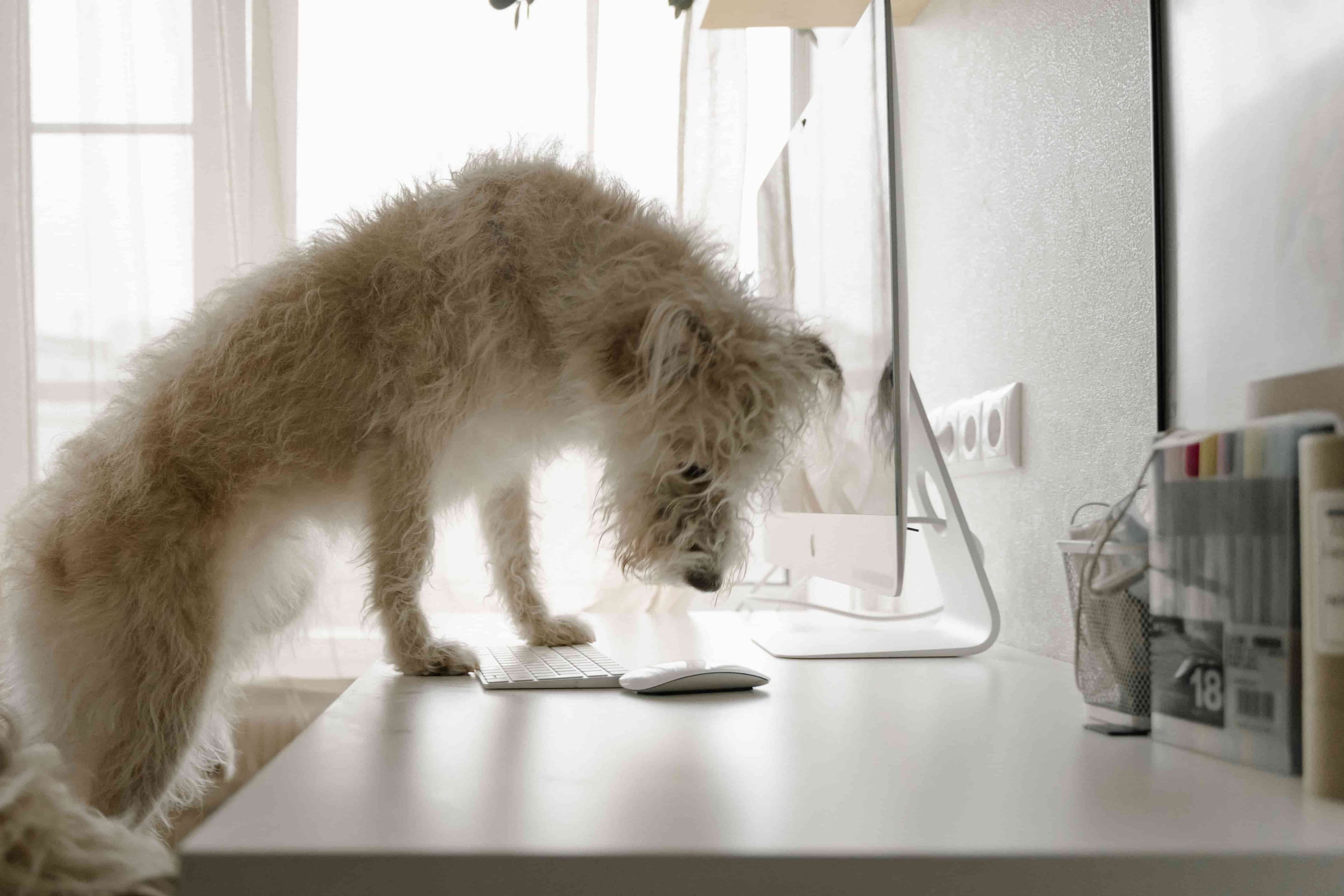
Ever had a tiny pebble stuck in your shoe? It takes up almost no space, weighs next to nothing, yet it is somehow all you can think about until it is gone. Small workplace annoyances have a similar effect, which is why removing these seemingly minor inconveniences can go a long way towards creating a more comfortable home office.
With that in mind, do not overlook the following:
- Organise your cables: Use cable clips, sleeves or under-desk trays to keep wires tidy and out of the way. Aside from improving the overall appearance of your workspace, it reduces trip hazards and helps protect equipment from accidental tugs and damage.
- Add a footrest: If your feet do not sit comfortably flat on the floor, a footrest can provide additional leg support and reduce strain on your lower back during long periods of sitting.
- Use desk organisers: Compartmentalised trays allow you to neatly tuck away frequently used items such as chargers, documents, staplers and other office supplies while still keeping them easy to find when needed.
- Keep power sockets within reach: Alternatively, use desk-mounted power strips or extension boards. The goal is to eliminate the need to crawl under desks every time you need to plug in a charger or reconnect a device.
Productivity Tools for WFH
Dual Monitors
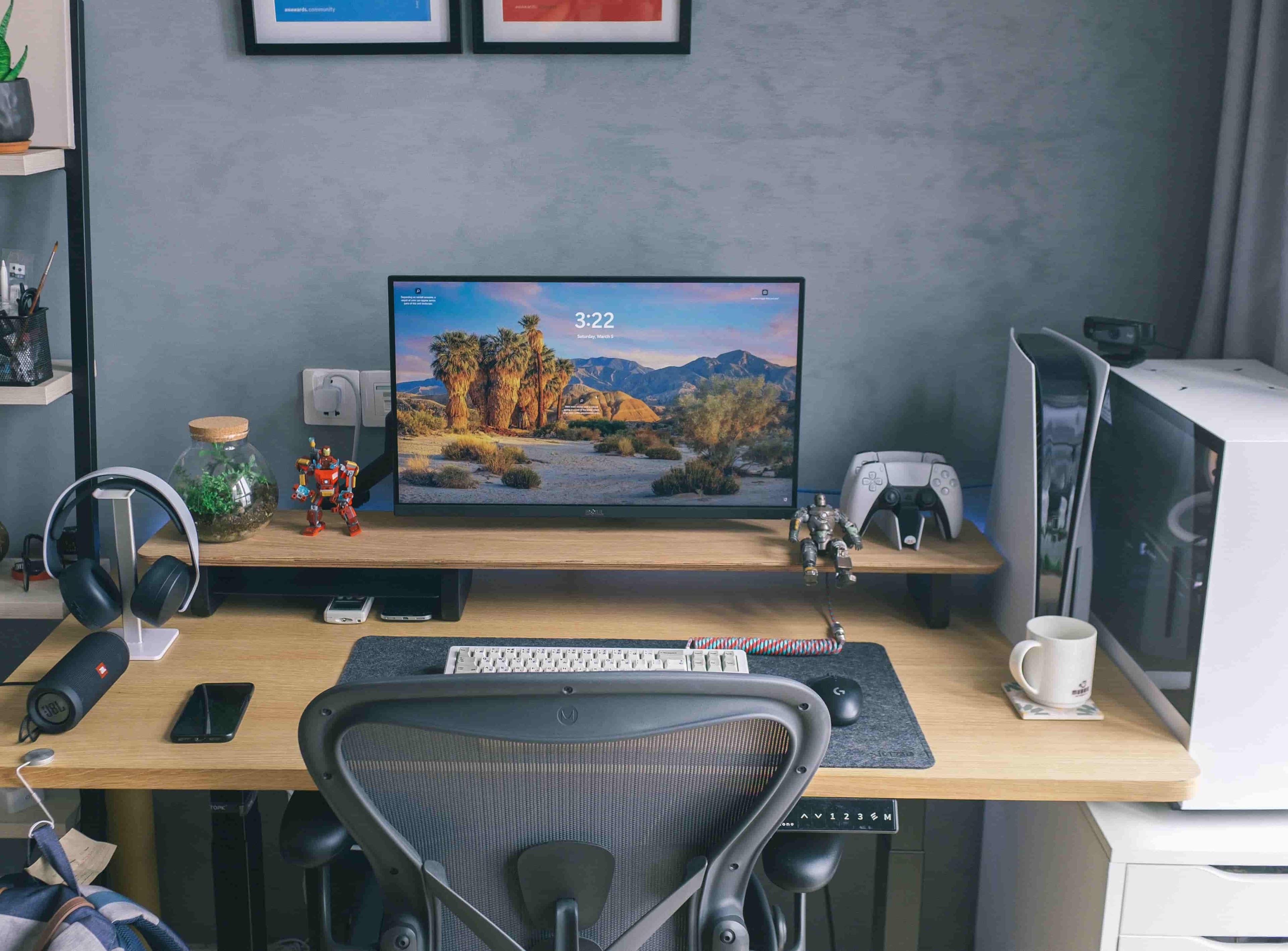
If your work requires you to regularly jump between spreadsheets, documents, emails, or applications, a dual-monitor setup may be worth considering.
In a study comparing single- and dual-monitor setups, participants completed tasks faster, reported lower workload and expressed a preference for working with multiple monitors (Kang & Stasko, 2008).
Of course, not everyone needs a second screen. However, if you find yourself squinting at split-screen layouts or tirelessly minimising windows, having more than one monitor can definitely make everything less cumbersome.
Kitchen Timer
Productivity techniques such as the Pomodoro Technique and time-blocking are often touted as effective ways to stay focused. The problem is usually not the technique itself, but the timer. For many people, that timer lives on a phone, which also happens to house social media, messages, notifications and countless other distractions.
In this case, a simple kitchen timer is a great alternative. Unlike a digital version, you have virtually no reason to interact with it again until the session is over. It gives you nothing else to do except get back to work.
Physical Whiteboard or Notebook
Much like a kitchen timer, a physical notebook or whiteboard operates on the same principle of tangibility that many digital tools lack. You can quickly scribble down notes and capture ideas from a meeting or call without having to switch applications or interrupt your workflow.
It is also worth mentioning that handwriting can support deeper information processing than typing alone. It activates a broader network of brain regions associated with motor, sensory and cognitive processing (Marano et al., 2025).
As such, a physical notebook or whiteboard remains a valuable tool for processing, organising and retaining information despite the convenience of digital devices.
Docking Station or USB Hub
With a docking station or USB hub, you have a centralised setup that brings together HDMI cables, chargers, keyboards, external drives and even additional monitors through a single connection. It eliminates the need for constantly plugging and unplugging cables, which can quickly become tedious and disruptive to your workflow.
At the same time, it helps declutter your workspace and creates a cleaner, more organised workstation that is conducive to productivity.
Desk Lamp
Lighting conditions can significantly influence performance, health and wellbeing (Komalanathan and Babu, 2014). Hence, the value of a good desk lamp should not be underestimated. It provides additional light exactly where you need it, particularly during winter months when natural light is limited or if your workspace does not receive much natural light to begin with.
As much as possible, choose one with adjustable brightness, colour temperature settings and a movable arm so you can tailor the lighting to your task and workspace.
Headset with Noise-Cancelling Feature

If your role involves regular team meetings or calls with clients, you probably do not want the thud of nearby construction or the blaring of traffic outside coming through your line. A noise-cancelling headset can help block out that background noise and keep your overall audio quality professional. The important thing is to choose one with a snug and comfortable fit. Otherwise, it may end up becoming a headache, literally and figuratively.
Final Thoughts
Setting up a home office is easy to overlook, and many people end up relying on a makeshift setup without realising it is gradually taking a toll on their health and overall wellbeing. As we have explored throughout this guide, you do not need a full home renovation. A series of small, intentional adjustments can already make a huge difference in how you perform at work and how you feel at the end of each workday.
If you are looking for handpicked work-from-home opportunities, browse Remote Corgi's job board to find and secure your next role
References
Boubekri, M., Cheung, I. N., Reid, K. J., Wang, C. H., & Zee, P. C. (2014). Impact of windows and daylight exposure on overall health and sleep quality of office workers: A case-control pilot study. Journal of Clinical Sleep Medicine, 10(6), 603–611.
Bueno, A. M., Xavier, A. A. P., & Broday, E. E. (2021). Evaluating the connection between thermal comfort and productivity in buildings: A systematic literature review. Buildings, 11(6), 244.
Health and Safety Executive. (2013). Ergonomics and human factors at work: A brief guide (INDG90(rev3)).
Junker, N. M., Heimrich, J., Häusser, J. A., & Rigotti, T. (2025). The relevance of work-related rumination and boundary control for spillover effects from work to home: Results from a diary study. Work & Stress, 1–22.
Kang, Y. A., & Stasko, J. (2008). Lightweight task/application performance using single versus multiple monitors: A comparative study. In Proceedings of Graphics Interface 2008 (pp. 17–24). Canadian Information Processing Society.
Komalanathan, V., & Babu, T. R. (2014). The effect of indoor office environment on the work performance, health and well-being of office workers. Journal of Environmental Health Science and Engineering, 12(1), 113.
Li, T., Zhang, Y., Pondo, J.-M., Li, Z., & Wang, X. (2026). Effects of workspace wall colors on productivity and emotion via immersive VR and physiological data. Scientific Reports, 16, Article 5502.
Loi, T. I., & Baid, C. (2025). Shifting grounds: Benefits and drawbacks of working from home and work location variability. In Academy of Management Proceedings (Vol. 2025, No. 1, p. 15417). Academy of Management.
Marano, G., Kotzalidis, G. D., Lisci, F. M., Anesini, M. B., Rossi, S., Barbonetti, S., Cangini, A., Ronsisvalle, A., Artuso, L., Falsini, C., Caso, R., Mandracchia, G., Brisi, C., Traversi, G., Mazza, O., Pola, R., Sani, G., Mercuri, E. M., Gaetani, E., & Mazza, M. (2025). The neuroscience behind writing: Handwriting vs. typing—Who wins the battle? Acta Psychologica, 258, 105032.
Office for Health Improvement and Disparities. (2025, April 1). Musculoskeletal health profile: Statistical commentary, April 2025. UK Government.
Woo, M., MacNaughton, P., Lee, J. W., Tinianov, B., Donnelly-McLay, D., & Satish, U. (2021). Access to daylight and views improves physical and emotional wellbeing of office workers: A crossover study. Frontiers in Sustainable Cities, 3, 690055.