How to Prepare for a Job Interview: Work-From-Home Edition

Short Summary
- Strong preparation directly reduces interview anxiety and improves confidence, with evidence showing candidates who feel prepared perform better and communicate more clearly during remote interviews.
- Doing in-depth research on the company and role allows you to give specific, tailored answers instead of generic ones, while also demonstrating genuine interest and effort to the interviewer.
- Building rapport with your interviewer, even through small shared interests or familiarity, can subtly influence hiring decisions when candidates are otherwise evenly matched.
- A reliable technical setup and professional interview environment prevent avoidable disruptions and shape first impressions before you even begin speaking.
- Practising common interview questions using structured methods like STAR helps you articulate your skills and experience clearly and reduce hesitation under pressure.
- Job interviews are a two-way street. They are just as much about assessing whether the role is right for you as they are about showing the employer you are right for the role.
Introduction
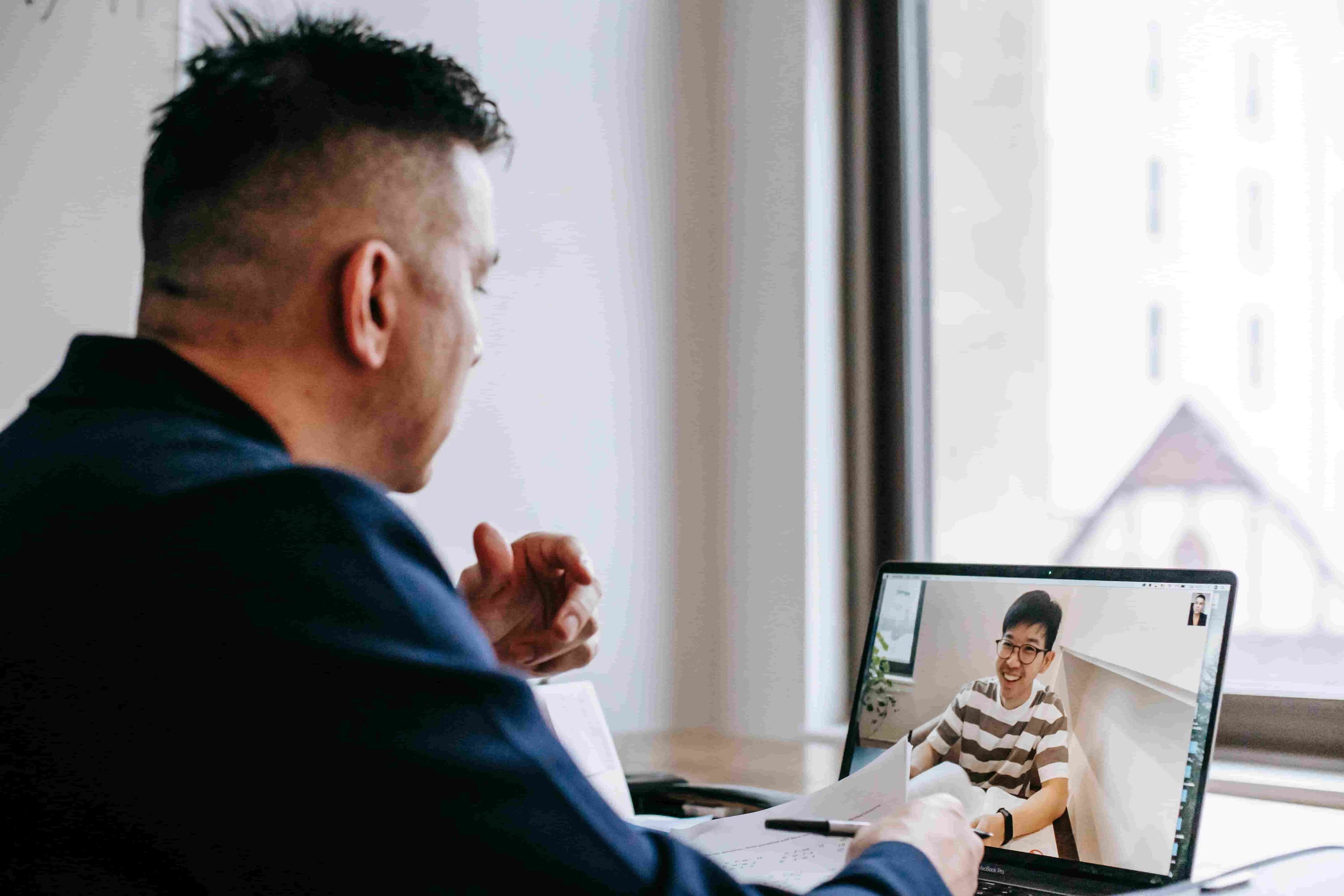
Remote interviews can feel just as nerve-racking as face-to-face ones. In fact, I would argue they can feel even more intense, given there are more moving parts in a remote or work-from-home setup that you need to get right ahead of time just to keep everything running smoothly.
The good news is that preparation does make a measurable difference. A study of 245 job applicants found that candidates who felt better prepared also reported greater confidence and lower anxiety during remote interviews (Shrivastava et al., 2024).
But what does good preparation actually involve? What areas should you focus on? In this guide, I will walk you through practical steps to help you show up prepared, composed and ready to give yourself the best possible chance of landing the role, whether you're an experienced professional or interviewing for your first remote role.
Research the Company and the Role
What does the company do? Who are its customers? What challenges does it face, and what issues are common across its industry? The better you understand the business, the easier it is to give specific, tailored responses. At the same time, it shows you did your homework, which usually earns you a few extra brownie points with the interviewer.
There are plenty of ways to do your due diligence. For example, start with a Google search, visit the company's website, read its mission and values, and browse its recent news or blog posts. Who knows, you might even end up putting a face to the name of the person interviewing you. And speaking of interviewers…
Learn About Your Interviewer
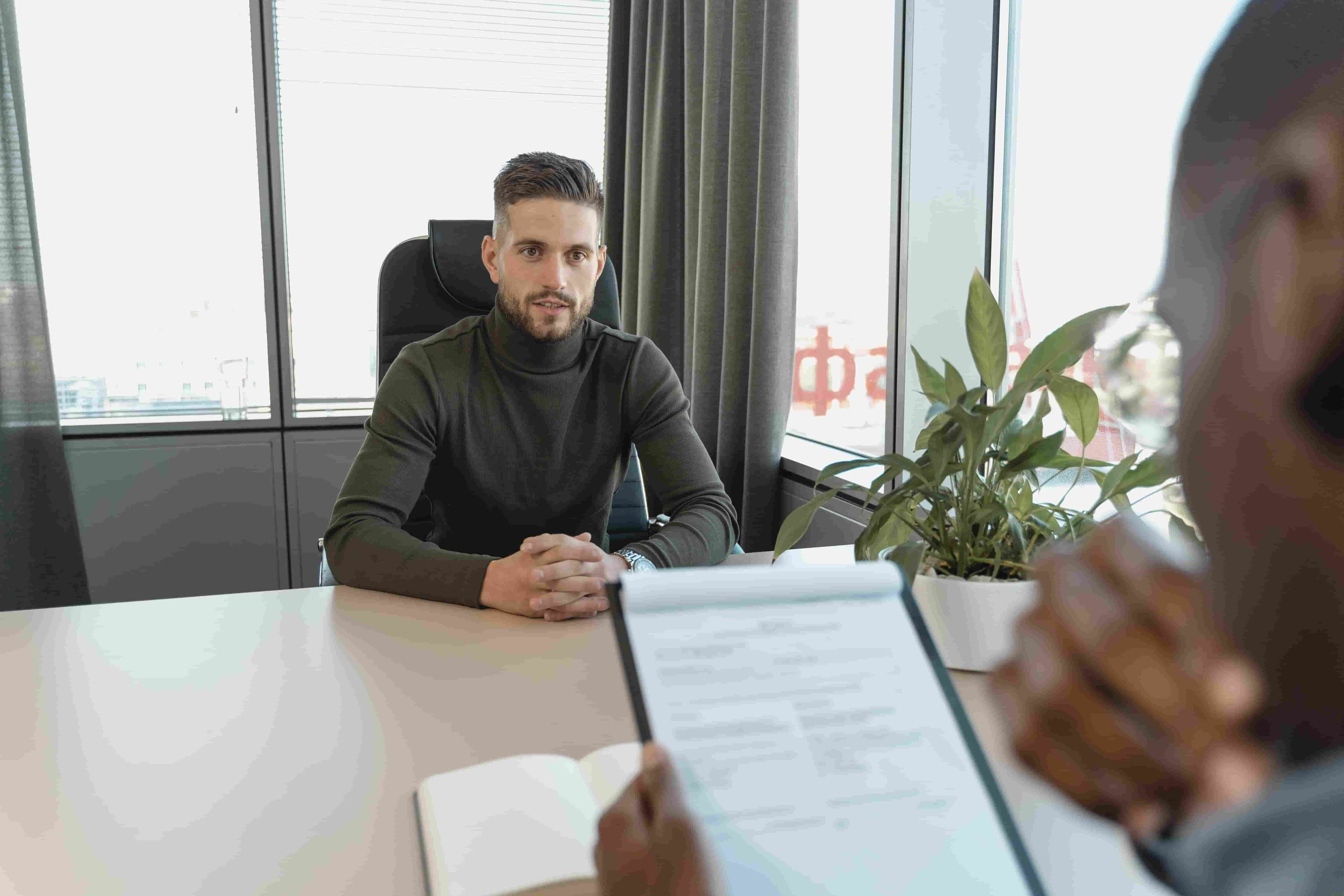
Once, a friend told me how her boss chose her over the other finalist. Curious, I asked what made the difference. She laughed and said, 'I honestly do not know, but we did spend a good chunk of the interview talking about the Netflix series The Bold Type.'
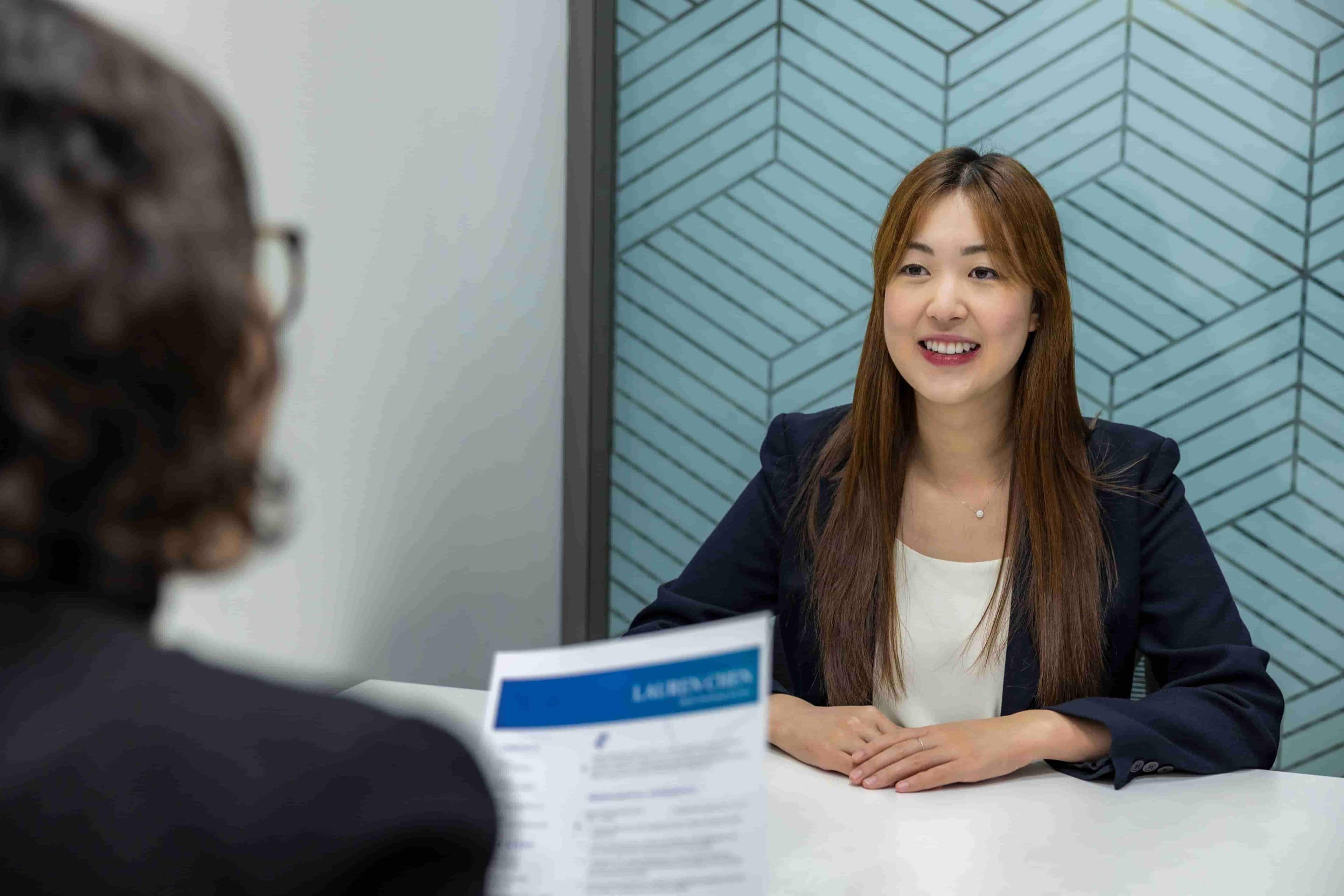
It was a reminder that, when two candidates are neck and neck, the one who builds better rapport often has the edge.
This is the Liking Principle in action. Introduced by social psychologist Robert Cialdini, it is one of the six principles of persuasion and suggests that people are generally more likely to say 'yes' to those they know, like or relate to (Cialdini, 2021).
As absurd as it may sound, interviewers are just as likely to remember 'We both have the same dog breed,' or 'We both love coffee,' alongside your qualifications, experience and interview answers.
The fact that you are likely to meet more than one interviewer throughout the hiring process makes this all the more important.
That is why I recommend spending a few minutes researching each interviewer beforehand. Take a look at their LinkedIn profile, career path, interests or even recent posts. A little bit of common ground is all it takes to break the ice and get the interview flowing smoothly.
Prepare Questions to Ask the Interviewer
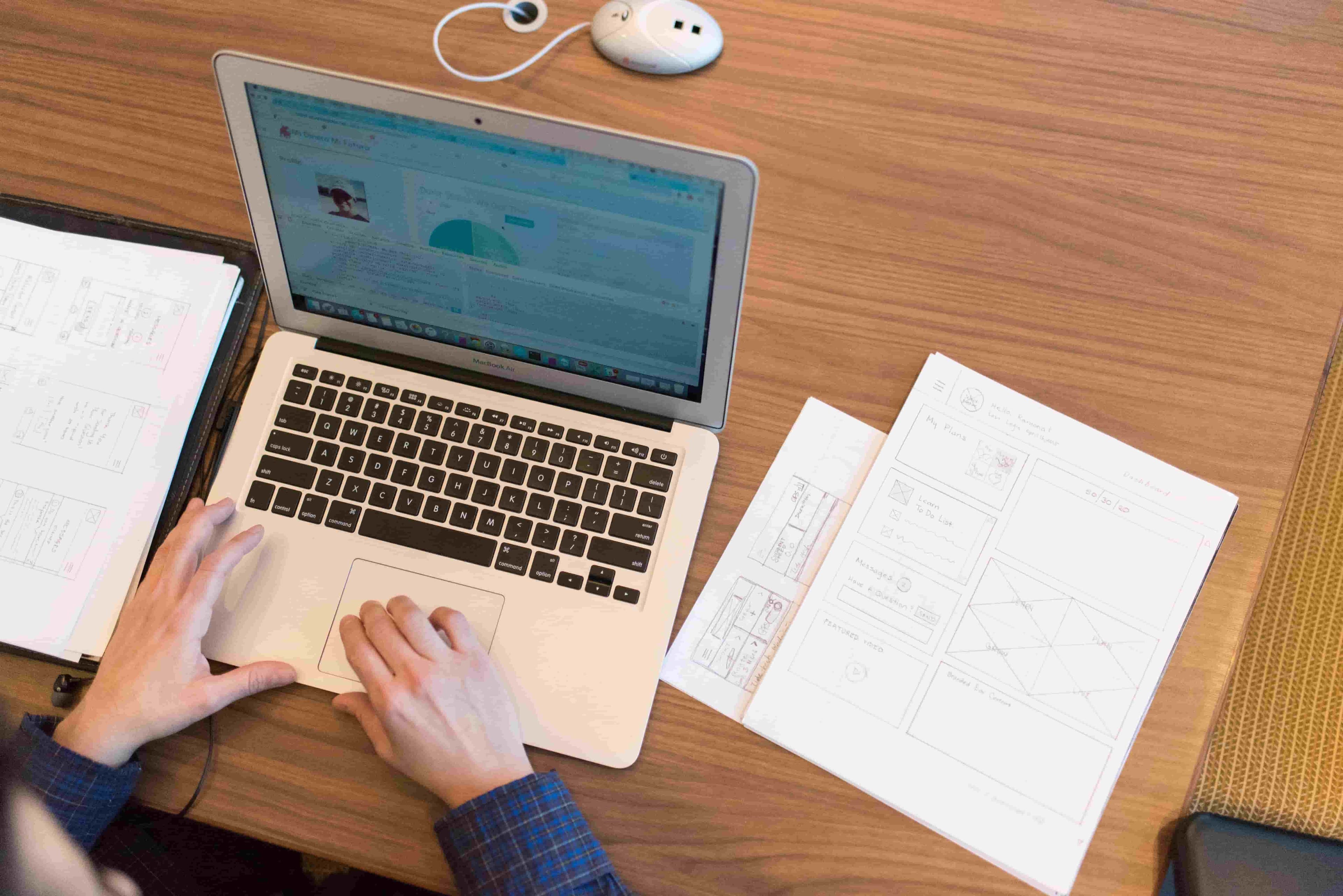
Job interviews almost always end with the same question: 'Do you have any questions for me?' Yet many candidates let that opportunity slip by with a simple, 'No, I think you have covered everything.'
The truth is, there is almost always something worth asking. It could be as simple as asking about the next steps in the hiring process or what a typical day in the role looks like.
Or, you can take it one step further with a hypothetical question such as, 'Say I get hired. Six months from now, what would I have ideally accomplished for you to consider me a successful hire?'
Have at least two questions prepared beforehand. Whatever those questions are, remember that the goal is to show that you are genuinely invested in both the role and the company.
Test Your Equipment Beforehand
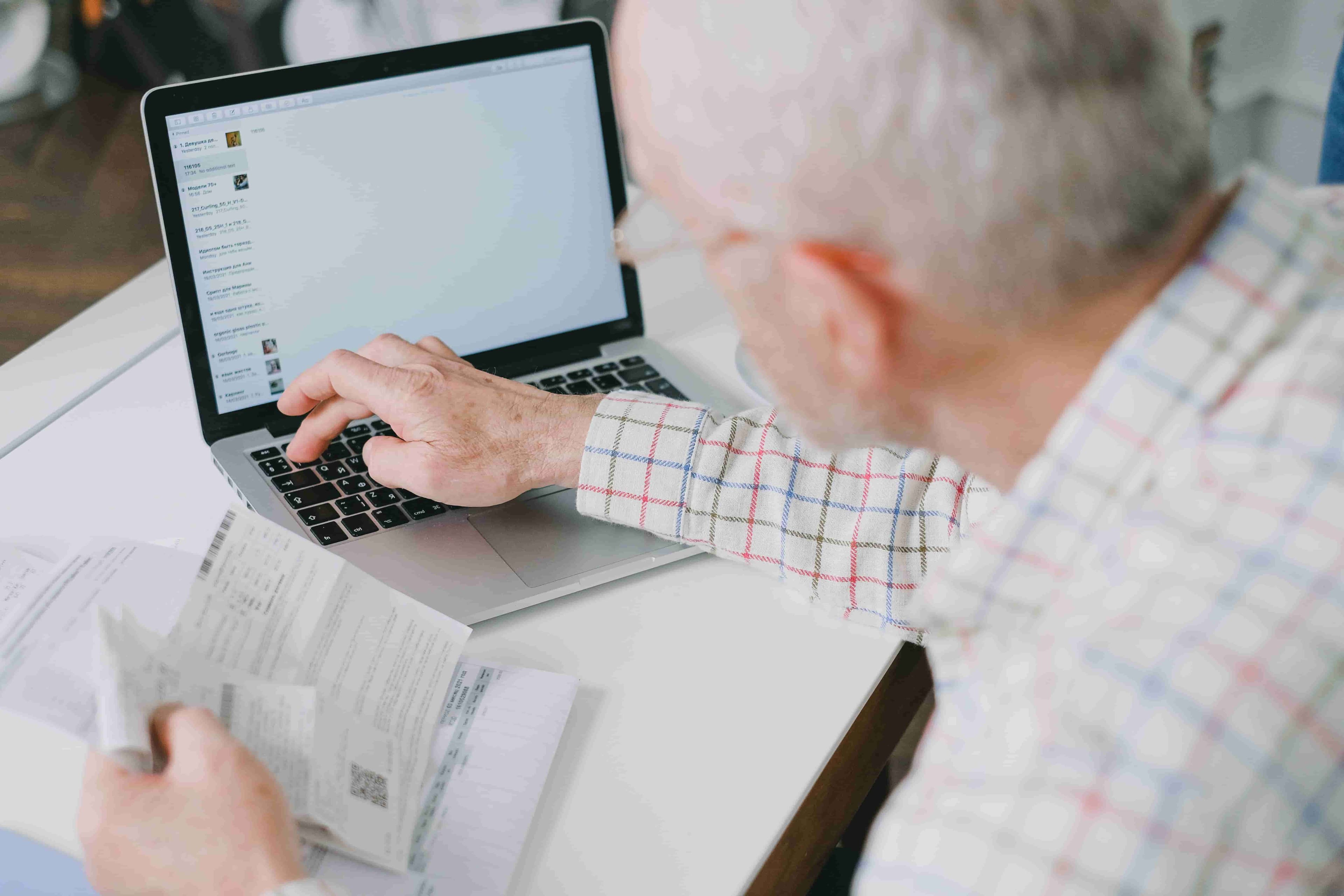
I cannot tell you how many times I have heard of candidates arriving late to a remote interview all because their meeting software decided it needed an update. And that is just one of countless frustratingly preventable mishaps that can derail an interview.
If you do not want to find yourself scrambling at the last minute and looking flustered before the interview has even begun, I recommend running through this quick checklist at least 30 minutes before your call:
- Is your computer or laptop running properly? Restart your system a few minutes beforehand and make sure everything runs smoothly without freezing or lagging. If your device has been acting up recently, consider using a spare laptop instead.
- Is your internet connection stable? Use our free Internet Speed Test to make sure your connection can handle video without lagging or dropping. Or do a quick test call with a friend or family member to check both your connection and audio quality. If possible, move closer to your router or switch to a wired connection.
- Are your camera, microphone and headphones working clearly? Test if your microphone really works with our Mic Test Tool to confirm your audio is coming through loud and clear before the interviewer ever hears you speak. Most video conferencing platforms have a built-in test feature you can use beforehand to check that your video is clear and your audio equipment is free of technical issues.
- Is your video conferencing software installed and up to date? Log in early to avoid surprise updates, sign-in issues or last-minute password resets.
- Do you have a backup plan? Keep your phone nearby as a mobile hotspot and have the interview link available on another device if possible. Also, make sure you know how to contact the interviewer in case of an unexpected internet or power outage.
Create a Professional Interview Setup
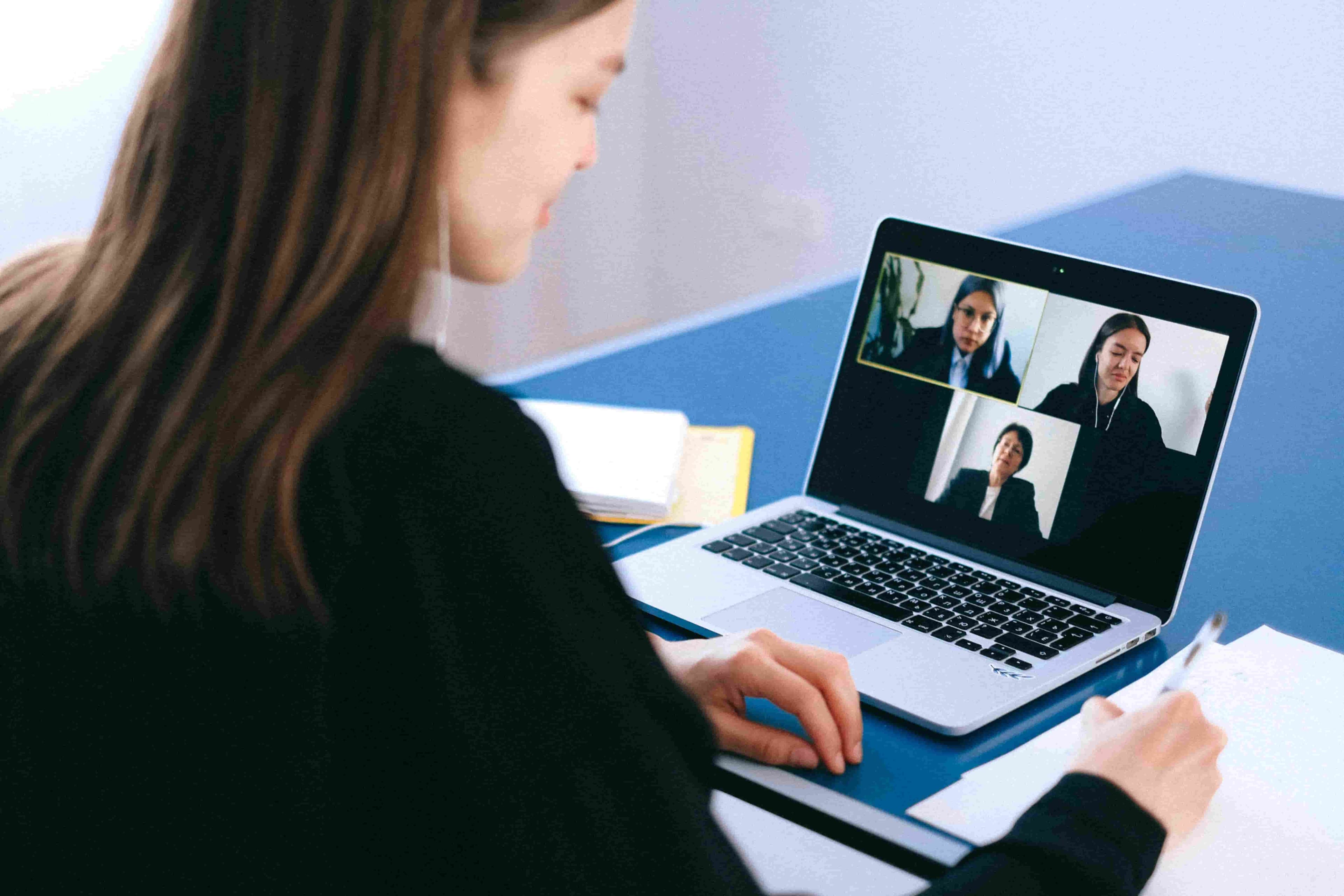
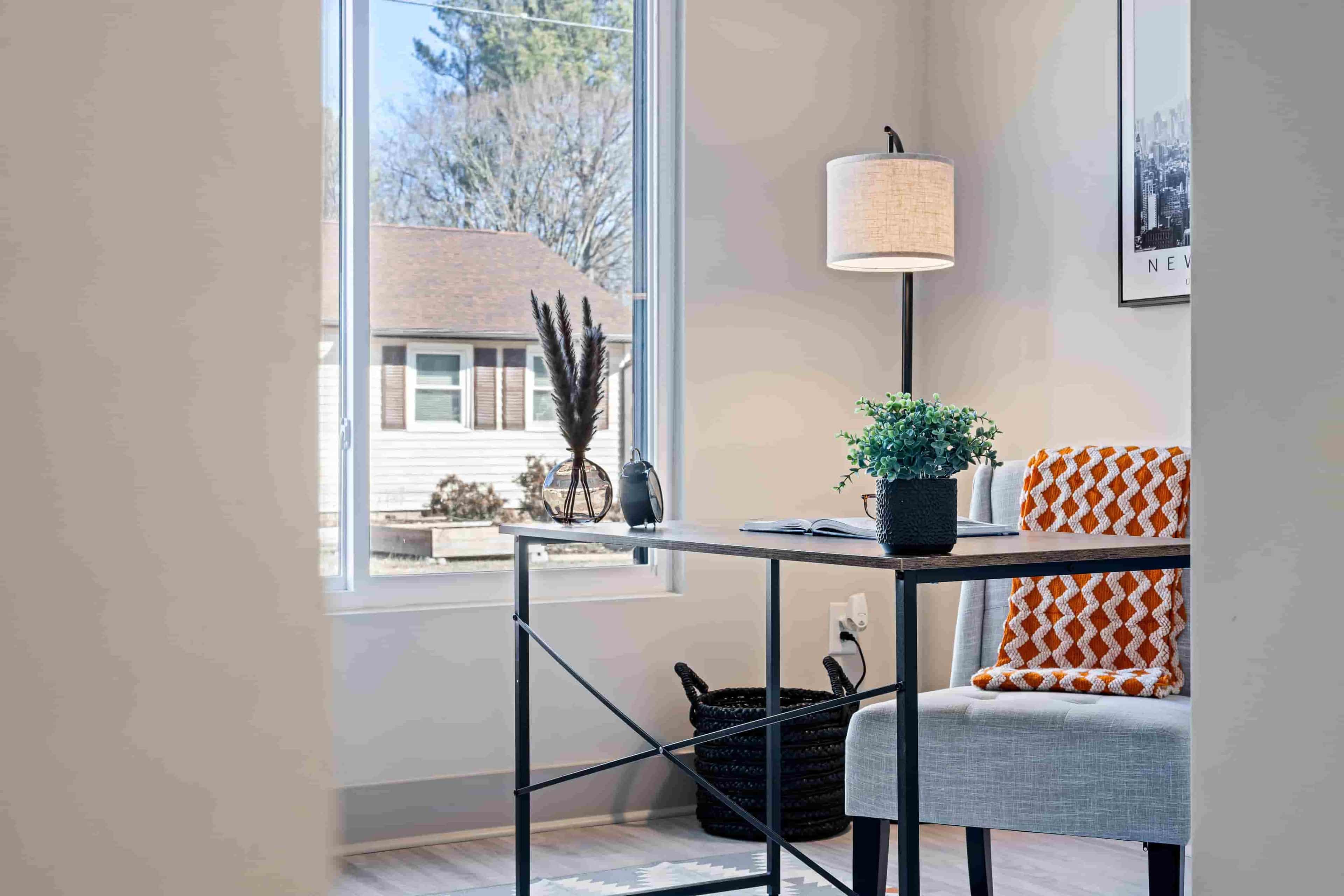
Unlike an in-person interview, a remote interview gives the interviewer a small window into your working environment. Fair or not, your clothing, lighting, camera angle and background all contribute to the first impression you make before you have answered a single question.
Below are some pointers to keep in mind:
Dress code
Dress as though you already work there. Smart casual with a collared shirt or blouse is a safe choice for most industries, but double-check the interview invitation as it may specify otherwise. Your earlier company research can also give you clues about the workplace dress culture.
Lighting
Natural light is ideal, so position yourself facing a window where possible. If that is not an option because of your room layout or because your interview takes place in the evening, place a desk lamp or other light source in front of you to keep your presence well lit.
Background
Keep your background clean, tidy and neutral. Remove unnecessary clutter and anything else from your home office setup that might draw attention away from the conversation.
Alternatively, you can use one of the built-in virtual backgrounds available on most video conferencing platforms. Just make sure you choose one that looks professional rather than a gimmicky background or one with animated effects.
Camera framing
Position your camera at eye level and sit far enough back that your head, shoulders and upper torso are visible (roughly an arm's length away from the camera). This camera framing creates a natural conversational distance that does not appear intrusive or awkward, much like an in-person conversation.
Simultaneously, it gives you enough room for your facial expressions and hand gestures to be seen clearly and reinforce your verbal communication. This matters considering non-verbal cues contribute to how emotions and attitudes are perceived during a conversation (Mehrabian, 1971), including impressions of confidence and enthusiasm.
Noise & privacy
Choose a quiet room free from distractions and interruptions. Let everyone in the house know you will be interviewing so they can avoid knocking on the door or walking into the room mid-conversation. Put your phone on silent and mute any smart devices that could unexpectedly go off.
If you live in an area where traffic, construction or other outdoor noise is common, make sure to close your windows.
Practise Common Interview Questions
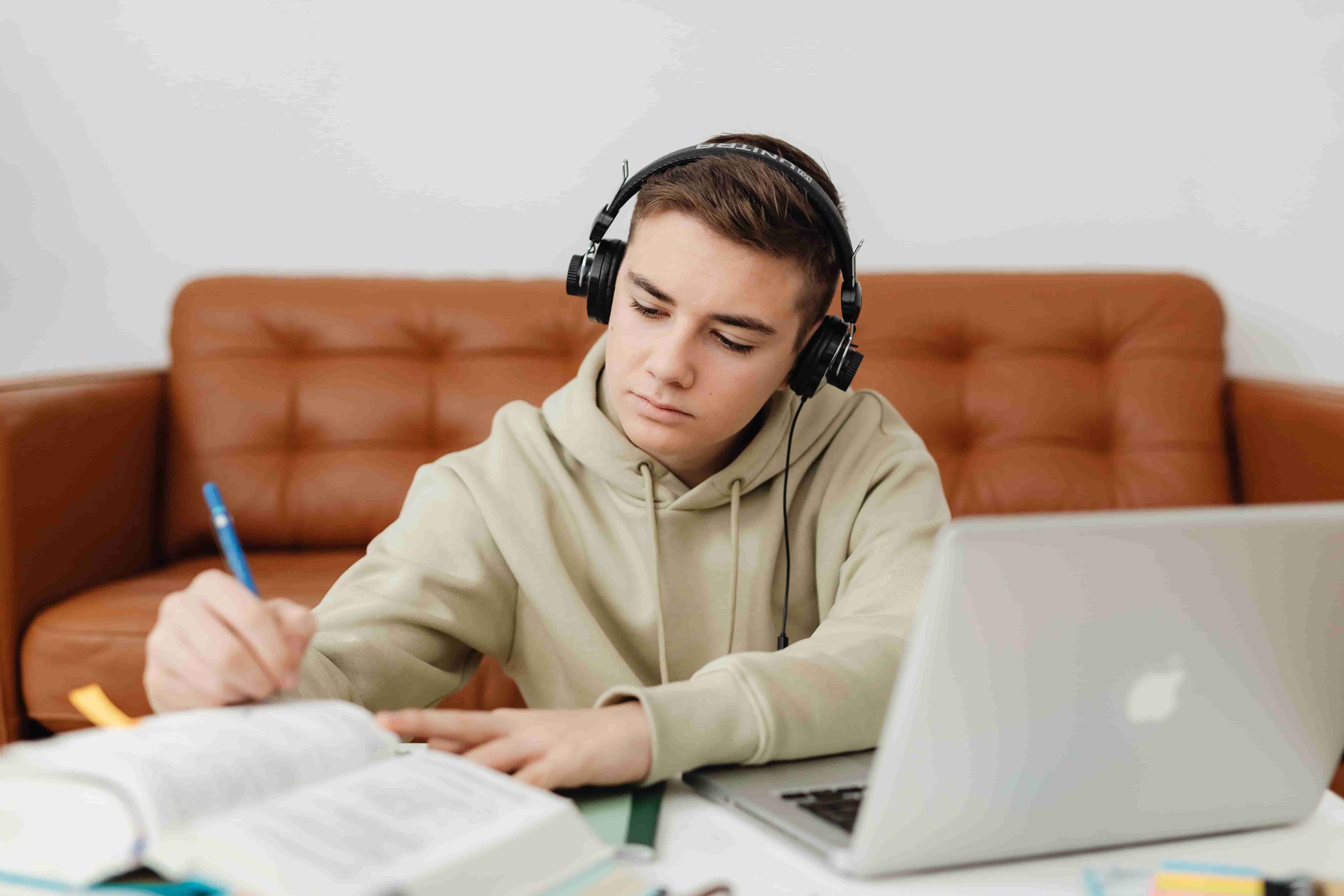
The first time you answer, 'Tell me about yourself,' should not be when the interviewer asks it. Prepare by putting your interview skills to the test through a mock interview.
Ask a friend, family member, talk at a mirror (like I often did) or practise with AI through common interview questions such as:
- Why do you want to work for this company?
- What are your greatest strengths and weaknesses?
- Why are you leaving your current job?
- How do you handle stress?
- Tell me about a time you faced a challenge and how you handled it.
If you would like more practice, we have outlined many more examples in our guide to the Top 20 Interview Questions. You will also likely be asked about salary expectations, so be sure to check out our Salary Negotiation Guide beforehand.
The STAR method is a useful framework for answering behavioural interview questions, so consider using it during your mock interview as well.
I often record myself answering those questions and once I am finished, I watch the recording back, while asking myself: Am I clearly articulating my experience? Am I connecting my skills to what the employer is looking for? Am I speaking at a comfortable pace? Am I using filler words constantly or any other awkward habits and non-verbal cues?
Of course, the goal is not perfection, but to become a little more polished with every practice session. There is a reason athletes perform better on their home court. Familiarity builds confidence, and the more familiar the interview feels, the more naturally you will perform on the day of the interview.
Keep Interview Essentials Nearby
By 'interview essentials', I mean any documents, tools or materials you may need to refer to, use or present during your interview. The exact items will vary from one role to another, but some of the most common ones you should keep within arm's reach are as follows:
- Any materials required for a practical assessment or live test (for example, coding exercises, portfolios or case studies).
- Your CV or résumé.
- The job description.
- A list of references (if not already included in your CV or résumé).
- A notebook and pen, or a blank document, for jotting down names, contact details and next steps.
Calm Your Nerves Before the Interview

It is perfectly normal to feel nervous before an interview. In fact, even the most experienced professionals can find the final few minutes leading up to an interview more stressful than the interview itself.
Trying to eliminate those nerves altogether is neither practical nor necessary. The goal is to manage them so you can remain composed and perform well under pressure.
Here are a few techniques that many candidates find helpful:
- Arrive 10 to 15 minutes early to give yourself enough time to settle in.
- Spend five minutes practising slow 'belly breathing'. This simple breathing technique can help reduce stress and promote a sense of calm (NHS, 2026).
- Take a sip of water and keep it nearby.
- Write down your worries beforehand. According to the NHS, this can 'help clear your mind and make it easier to work through concerns one by one' (NHS, 2026).
- Remind yourself that the interview goes both ways. You are not simply trying to convince the employer to hire you. You are also assessing whether the company, team and role are the right fit for your goals and working style.
Final Thoughts

Preparing for a work-from-home interview might take a little time and effort, but that is true of any worthwhile preparation. Whether you are studying for an exam, training for a marathon or preparing for an interview, the purpose is always the same: to give yourself the best possible chance of success.
In this case, good preparation helps you approach the interview less like a test you have to pass and more like a conversation you are ready to have.
If you are ready to put that preparation into action, browse our job board for curated, handpicked work-from-home opportunities.
References
Cialdini, R. B. (2021). Influence, new and expanded: The psychology of persuasion (Rev. ed.). Harper Business.
Mehrabian, A. (1972). Nonverbal communication. Aldine-Atherton.
NHS. (2026). Breathing exercises for stress. https://www.nhs.uk/mental-health/self-help/guides-tools-and-activities/breathing-exercises-for-stress/
NHS. (2026). Tackling your worries. Every Mind Matters. https://www.nhs.uk/every-mind-matters/mental-wellbeing-tips/self-help-cbt-techniques/tackling-your-worries/
Shrivastava, A., Kabra, S., & Kapoor, M. (2024). Reappraising the relationship between interview anxiety and performance outcome in a computer-mediated setting. Business and Professional Communication Quarterly, 87(2), 300–323. https://doi.org/10.1177/23294906231160672